
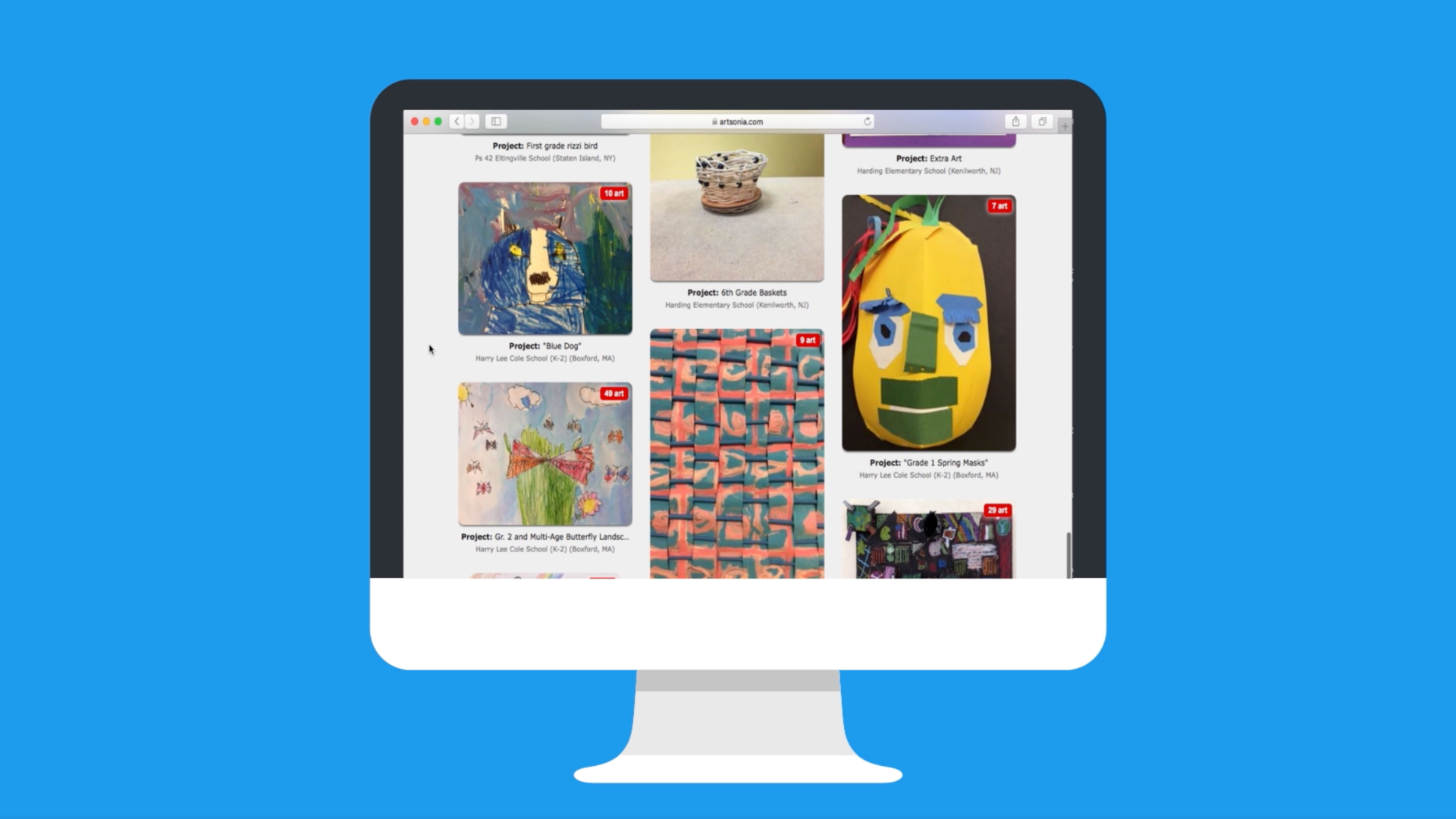
Artsonia is the solution to the problem of storing and showcasing artwork in a digital age. This free do-it-all platform was created as a place for students to store and display their artwork in a digital portfolio.
This is one of the world’s largest online galleries for student artwork, built to operate as part of the school ecosystem. At time of publishing, this is used by tens of thousands of students with more than 100 million pieces of artwork being hosted.
So while this allows students to collate their work, it’s also a place for teachers to manage and showcase class work with easy uploading and sharing options. They can even make money from it to fund future art classes, too.
This guide aims to lay out all you need to know about Artsonia and how it could work for your class.
What is Artsonia?
Artsonia is a digital art storage and sharing space that is designed specifically for K-12 environments with a focus on safety, privacy and compliance — with support for both COPPA and FERPA requirements.
This free online-based platform is a permanent and searchable archive of student work. Students can choose to share with approved viewers and are able to collate their efforts right through their school lives.
While this is primarily created for use by students and teachers, it’s also possible for parents and family members to create accounts and follow students’ progress — as well as leave supportive comments.
A class portal makes submitting work for teachers to moderate a simple process that should help reduce administrative workload. Many more features are available, including social and lesson supportive, but more on those below.
How does Artsonia work?
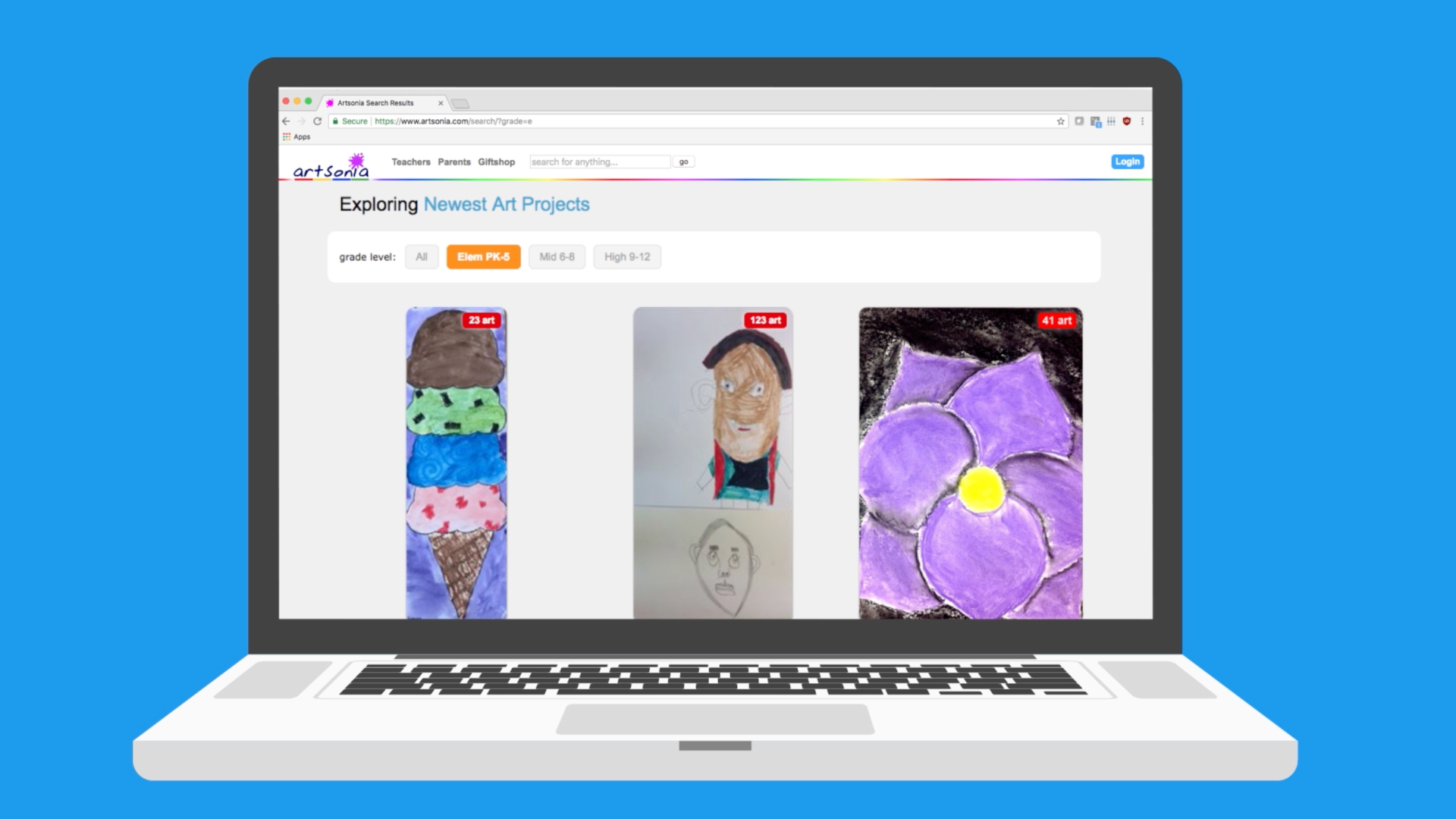
Artsonia is easy to setup for a teacher account, which can be done by registering the school. Class rosters are then established and artwork can be published immediately using the website or dedicated apps.
Students or teachers can use a smartphone camera to photograph the artwork for direct upload to the platform. Students are then able to submit their work using a class portal. Teachers can then moderate before publishing.
Approved work appears in the student personal online gallery, which family can access through secured logins. Parents get notifications when new artwork is published so they can comment and encourage student progress.
Artsonia is COPPA and FERPA compliant, includes moderation tools, and allows teachers to manage permissions and visibility, so it’s suitable for a wide range of school contexts and age groups.
What are the best Artsonia features?
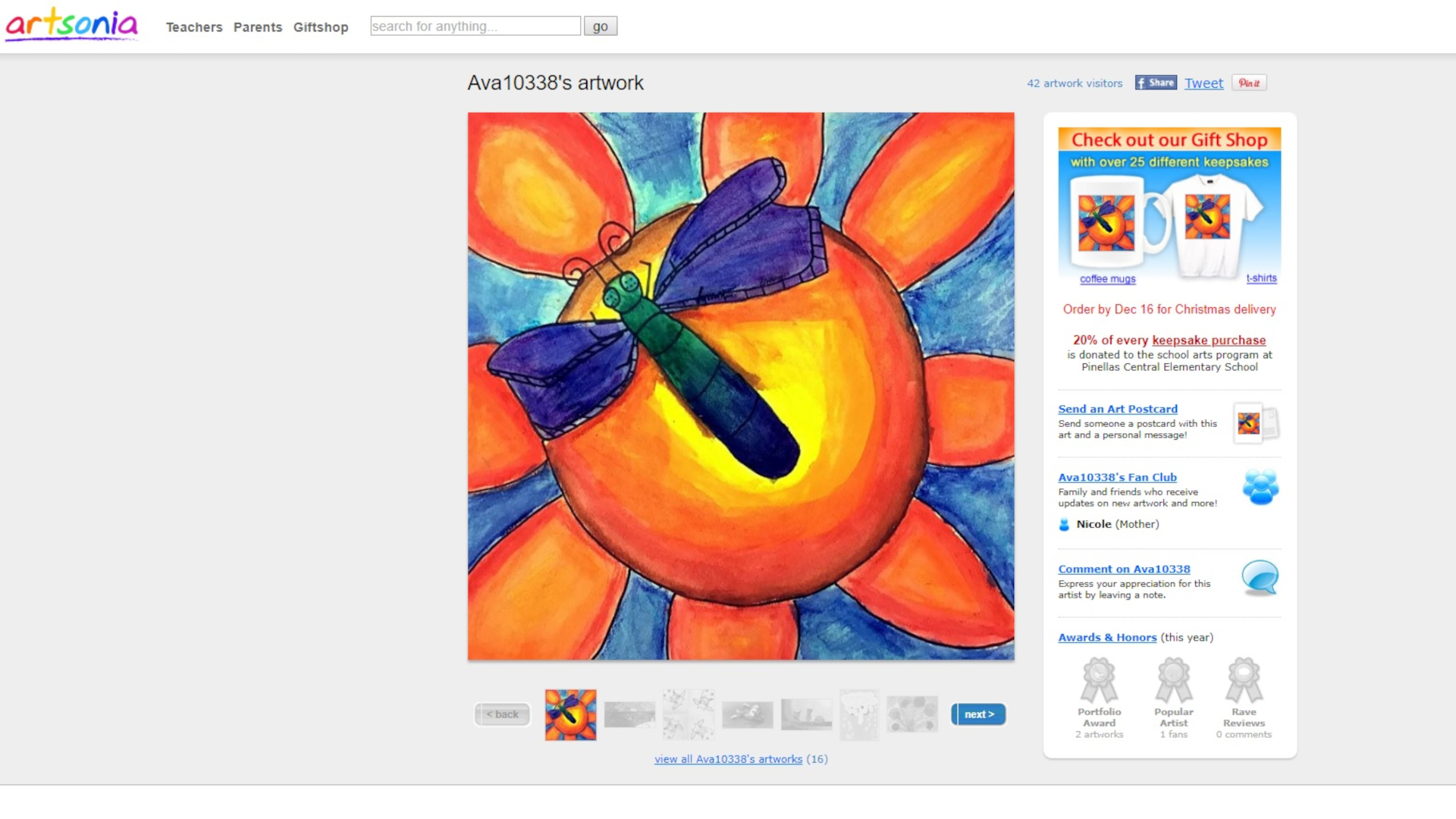
Artsonia is for teachers, students, and family. Features such as the ability for families to order keepsakes of the work — mugs, prints, magnets, jewelry, etc. — help add to the richness of this platform. Schools can even earn 20% on the sales of these offerings.
But on a more class-practical level, this is a really helpful way for students to collate all their work, across the years, for future self-reflection and assessments.
The class portal lets students submit artwork independently, significantly reducing teacher workload while encouraging learner autonomy and reflective thinking.
Teachers approve all submissions before publishing, maintaining quality and safeguarding standards. Parents can then view the gallery, strengthening school-home relationships and student motivation.
COPPA and FERPA compliance, along with moderation workflows, mean that student data and imagery are handled responsibly. This makes Artsonia suitable for large-scale use in schools.
How much does Artsonia cost?
Artsonia is free for teachers, students, and families to use. No subscription fees are required to create student portfolios, upload artwork, manage classrooms, or invite parents to engage.
Revenue is generated through the optional sale of custom keepsake products featuring student artwork. When families buy items such as mugs, prints, magnets, or jewelry, Artsonia returns 20% of the purchase price directly to the school’s art program.
Artsonia best tips and tricks
Use student uploading early
Introduce the class portal from the outset to empower students to take ownership of documenting their work and reduce teacher admin time.
Create consistent photography stations
A simple backdrop or light box setup can significantly improve image quality and presentation, making digital galleries more visually impactful.
Encourage reflective writing
Ask students to add titles and short artist statements to help develop metacognition, creative thinking, and literacy skills alongside visual art.