


Edcafe AI is a rare tool in the world of AI as it, unlike many others out there, is specifically designed to support classes through the entire teaching cycle.
Built for educators, this AI tool works to offer support across the full teaching process, from lesson planning to assessments — all in one easy-to-access platform.
The idea here is to offer a more time-efficient way to work, without jumping around between tools. From building a lesson from scratch — differentiating for mixed abilities — to tracking student progress, this tool should streamline that process for ease.
This guide aims to lay out all you need to know about Edcafe AI for use in your class.
What is Edcafe AI?
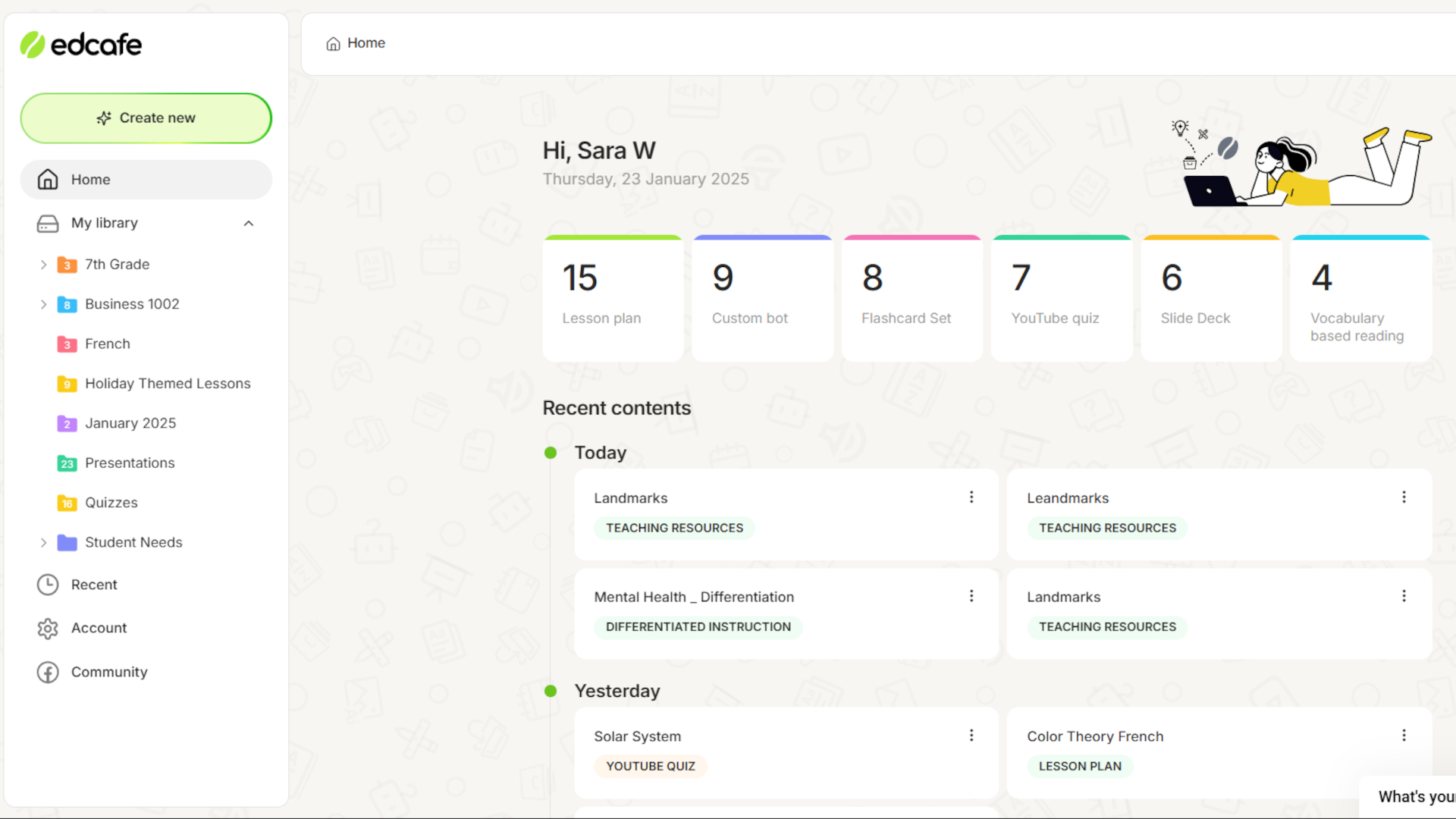
Edcafe AI is a digital AI-powered assistant for teachers to help across planning, teaching, and assessing lessons. By combining multiple tools, this offers a single platform for teachers to create, organize, deliver, and evaluate learning.
This allows teachers to plan curriculum-aligned lessons and then create classroom-ready learning materials. Assigning these to students, and assessing as well as tracking progress, is also built into the platform.
That all should mean teachers only need to open this one tool to get everything done, saving on time and effort — so they can focus on more valuable teacher-student time.
How does Edcafe AI work?
Edcafe AI combines the power of artificial intelligence with the materials already being used by teachers. Current and sourced materials can be uploaded for use, all being enhanced to work with the AI ecosystem.
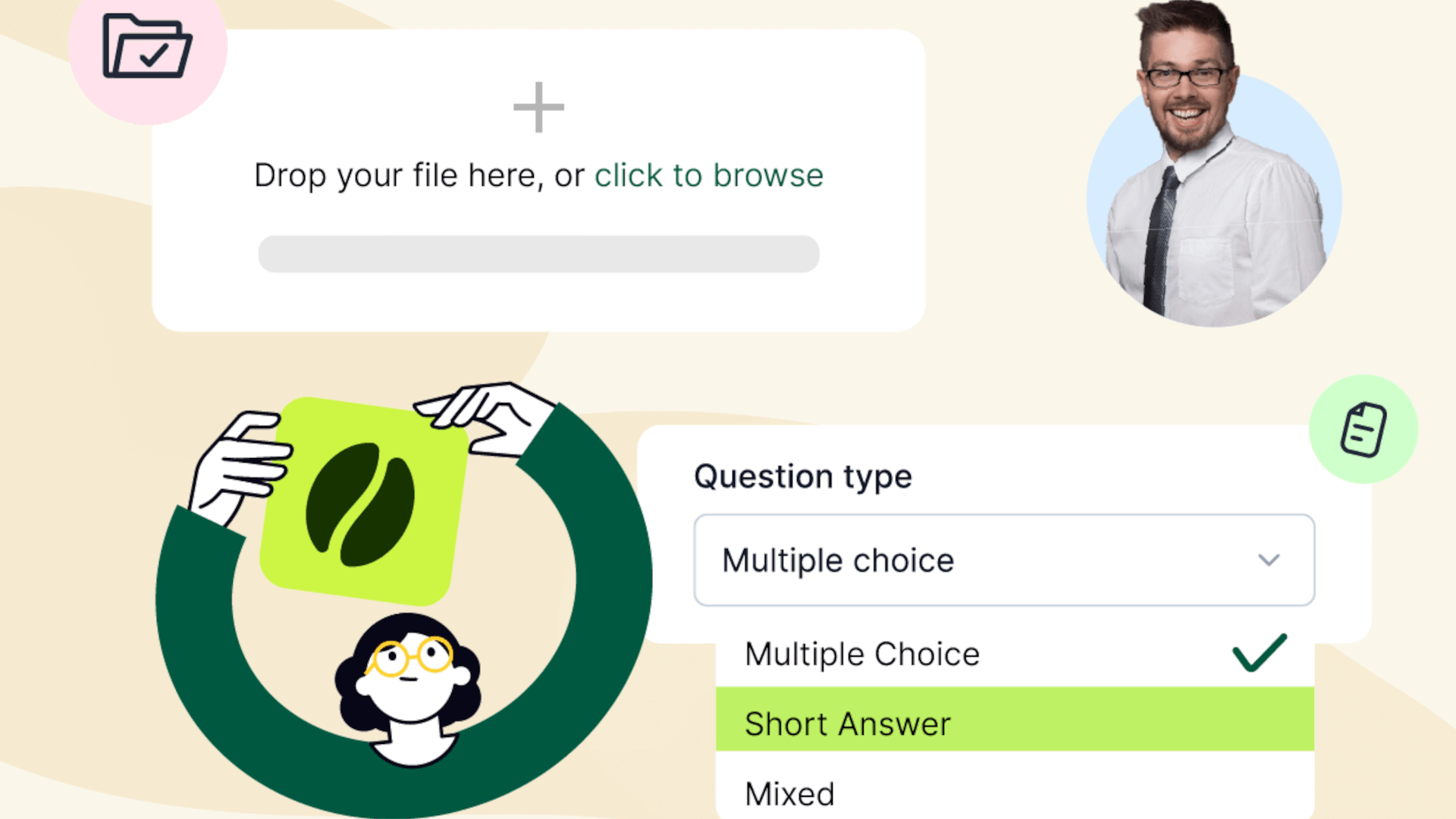
What that actually looks like is a teacher uploads a document, slides, or curriculum content. The AI then generates lessons, quizzes, or activities that can be shared using links or QR codes. Students can then work with these materials as teachers track engagement and performance in real time.
Usefully, there are feedback loops that allow teachers to see how students are responding, so as to refine future lessons based on student ability.
Since students don’t need accounts, this is all super simple to setup and share so students can begin working with the materials right away.
What are the best Edcafe AI features?
Edcafe AI uses artificial intelligence to make the creation of materials fast and easy from full lesson plans, slides, and quizzes to reading activities.
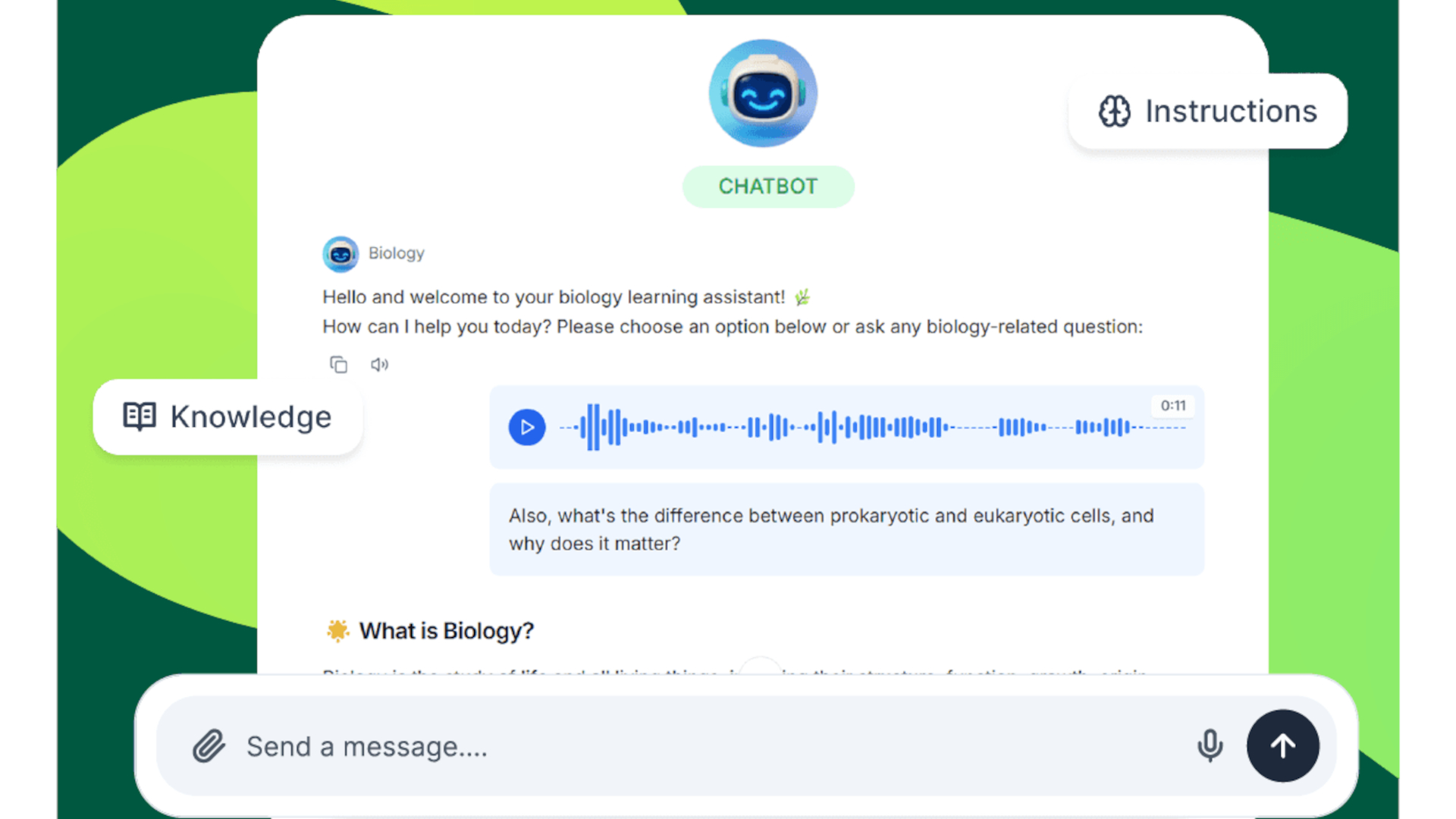
Chatbots can also be created, with custom inputs, which are then able to assist students as they work through topics. They then can get personalized feedback and help as they work, without it costing teachers on time.
Those quizzes that can be generated are also able to be auto-graded, saving even more teacher time. This can be a quick way to assess student ability with any learning gaps easy to identify and work on improving.
Since Google Drive can be used with this system, it makes for an easy way not only to access and enhance current materials, but to generate and share more across the school.
Everything is end-to-end here, so teachers can work in one platform to get everything done. This is not only helpful for saving on time, but can also be far less mentally straining.
How much does Edcafe AI cost?
Edcafe AI offers a tiered pricing model, including a free option. The plans break down like this:
Free plan: Limited AI generations and core tools.
Pro plan: From around $7.99/month (annual billing) with expanded features.
Premium plan: From around $14.99/month with unlimited usage and school-level tools.
Custom options are also available for schools and districts, including onboarding and integration support.
Edcafe AI best tips and tricks
Start with your own materials
Upload existing lesson content to get more accurate, curriculum-aligned outputs.
Use chatbots for differentiation
Set up different chatbots for varying ability levels or topics to personalize support.
Generate then refine
Treat AI outputs as a starting point and tweak for tone, accuracy, and class context.