

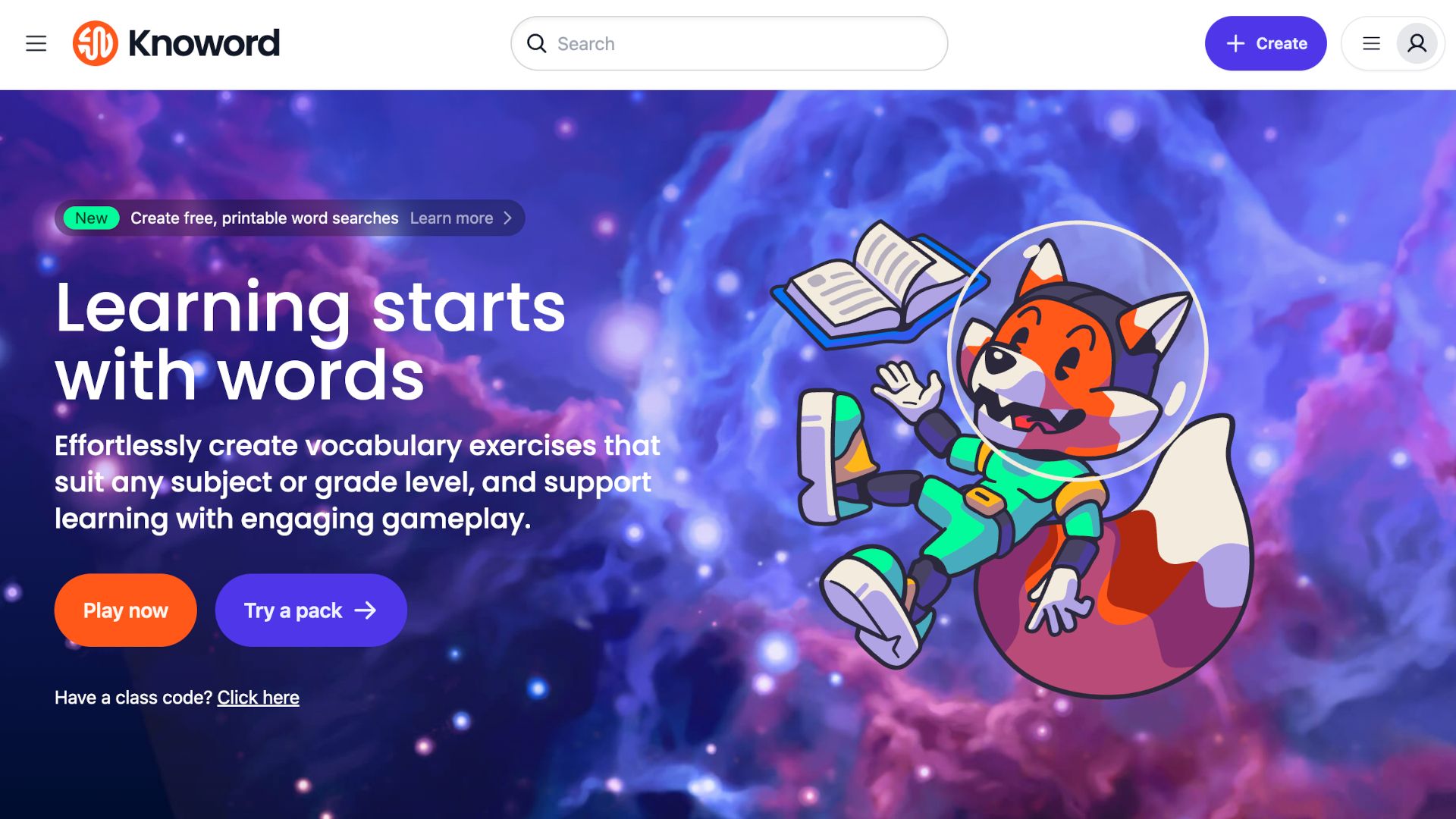
Knoword is a gamified platform that’s built to help students progress in building vocabulary. The idea here is to make things so fun that students want to come back for more.
This learning-while-playing setup is designed to work across age and ability levels so that it’s widely accessible to help all students, and educators, when it comes to vocabulary building.
The platform is already widely used and can be applied across subjects to allow for an uptake, which works school-wide, rather than specifically for English learning, for example.
Article continues below
This guide aims to lay out all you need to know about Knoword to see how this could work for your class.
What is Knoword?
Knoword is a web-based game so it’s easily accessible across a wide range of devices and internet connections. It uses game-based learning to help develop vocabulary expansion. This is done with immersive word games and customizable activities.
The most basic offering here is vocabulary practice being turned into interactive challenges. This blends learning with gameplay to keep students engaged, and even eager for more.
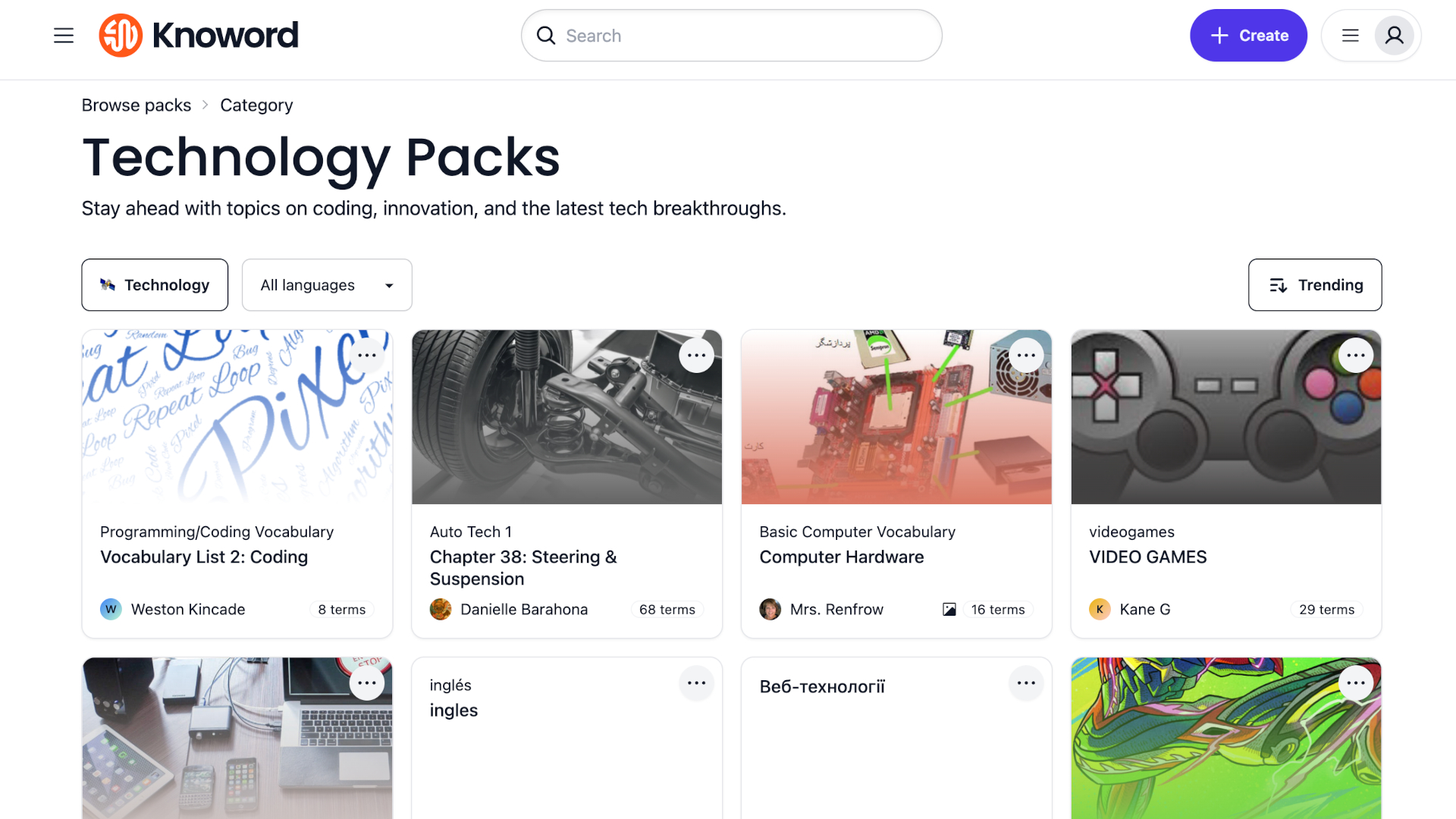
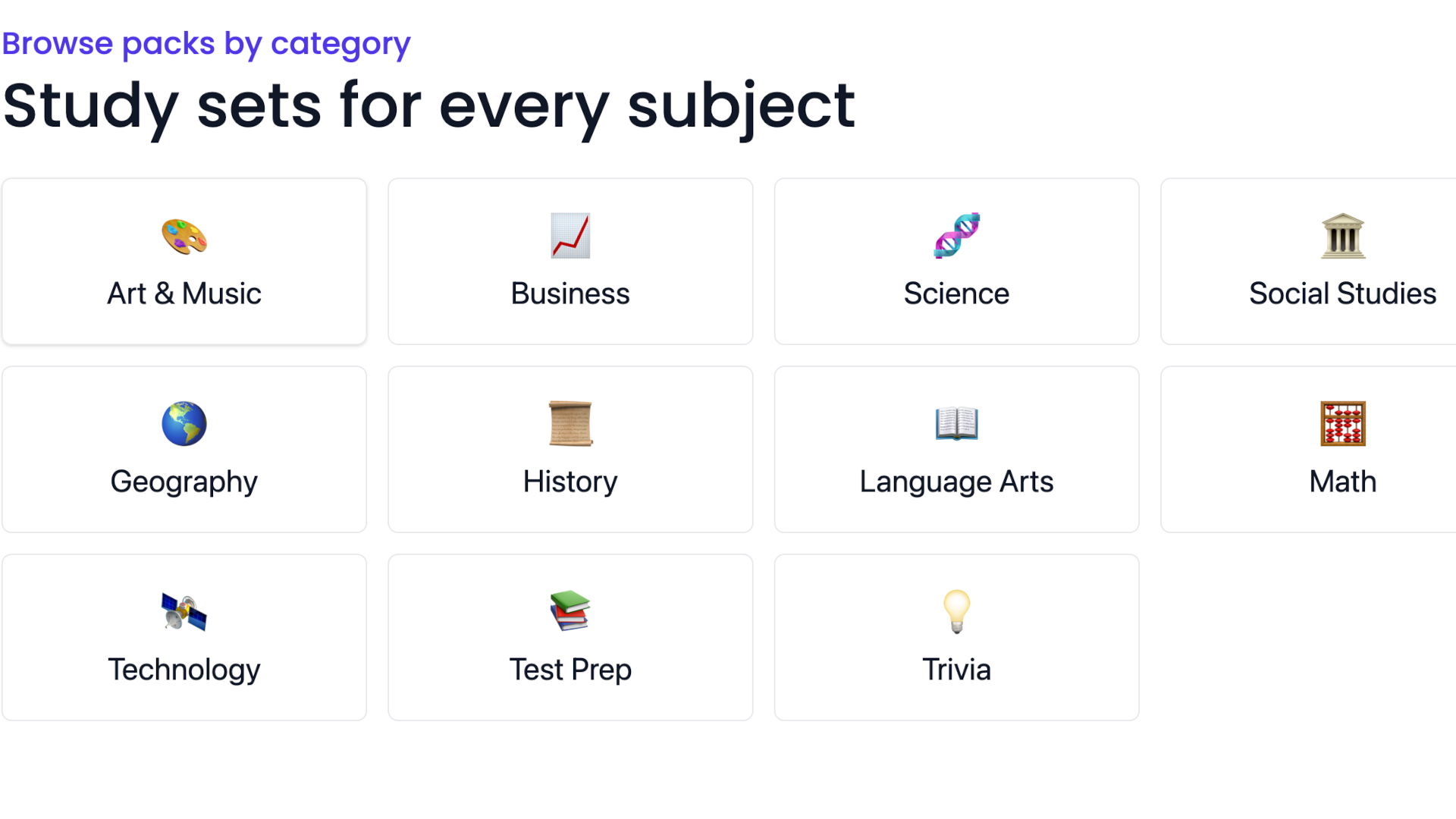
Thousands of community-made packs to pick from are available. These range from academic-specific vocabulary to trivia packs. You also have the option to build custom packs, or edit pre-existing ones, to get the perfectly tuned result for a certain subject or unit, for example.
That all makes this useful both for self-guided learning as well as in-classroom use and even remote assignments.
How does Knoword work?
Knoword comprises thousands of word packs that are interactive sets of definitions and answers. These are broken down into several play modes to allow students and educators to pick the format, which includes multiple choice, typing mode, or pairs/recognition matching.
Educators can pick from a selection of pre-created packs in subject-specific areas, make their own from scratch, or duplicate and edit packs as needed. Helpful parameters are available, including setting time limits, answer strictness and more, to help teachers build ideally suited sessions. Then, once completed, educators can track student progress using detailed analytics.
The system also uses AI as a way to help generate text clues from lists to help automate pack creations — saving time for teachers.
Students can get playing right away without the need to create individual accounts, making it an easy option to introduce into the class.

What are the best Knoword features?
Knoword offers a great selection of packs that can be aligned to subjects or topics. Crucially, these are adaptive and allow students to go at their pace so as to grow but at a rate that feels fun, comfortable, and engaging.
The immediate feedback and multiple play modes make this a stand-alone tool for students to work with on their time, but also with teacher assistance and interaction as wanted.
The AI-powered Magic Import feature is a helpful way to generate clues with ease. This allows educators to convert lists of terms into engaging gameplay in minutes.
Assignments offer a way to provide structured options to guide learners through material, while giving educators insights such as trends in accuracy and areas needing reinforcement.
Offline materials are also available, including printable worksheets. Any pack can be turned into customizable worksheets or physical flashcards, ideal for off-screen practice or differentiated learning.
The various game modes help to make this varied and fun while staying engaging over longer period of use. The different gameplay formats — typing, multiple choice, match pairs — appeal to varied learning styles, from visual to recall practice.
How much does Knoword cost?
Knoword operates on a freemium model. But there are tiers for more.
Basic (Free): Create up to five packs, generate content with AI, assign activities, track basic student progress, integrate with Google Classroom, and download worksheets.
Pro ($9.99/month): Allows unlimited packs and assignments, creates image and audio clues, and removes branded watermarks on cards.
Team Plan (~$80/year): Designed for schools or departments to manage multiple educator accounts.
Knoword best tips and tricks
Kick off with curated packs
Before creating your own, explore the community library. Thousands of packs across subjects are already available — and bookmarking makes future reuse easy.
Use assignments strategically
Assignments let you control the learning environment: time limits, modes, and even answer strictness (capitalization, punctuation). Tailor these to your learners’ proficiency.
Blend digital and printable exercises
Export packs as worksheets for class use or homework — great for reinforcing vocabulary with written practice.